The location icon should be visible in the bottom left tab.
If you have access to multiple buildings, you can choose the building here to enter that building instance.
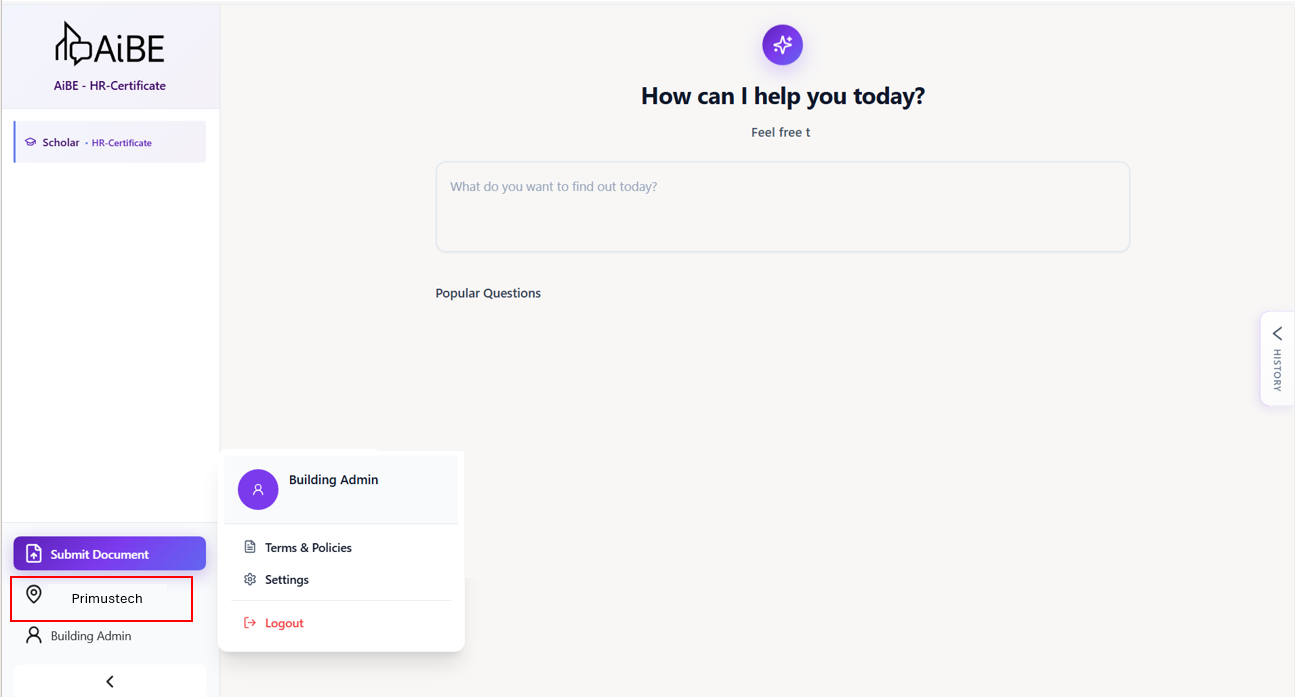
If there is no option available for you to select, it means you do not have the necessary access or permission to do so.
Was this article helpful?
That’s Great!
Thank you for your feedback
Sorry! We couldn't be helpful
Thank you for your feedback
Feedback sent
We appreciate your effort and will try to fix the article